The number on the box is a diagonal
A TV’s advertised size measures across the picture diagonally. It does not tell you how much wall or console space the set needs. For a standard 16:9 picture, width is approximately 0.872 times the diagonal and height is approximately 0.490 times the diagonal. These are geometry estimates, not product specifications.
| Screen diagonal | Picture width | Picture height |
|---|---|---|
| 55 inches | 47.9 inches | 27.0 inches |
| 65 inches | 56.7 inches | 31.9 inches |
| 75 inches | 65.4 inches | 36.8 inches |
| 85 inches | 74.1 inches | 41.7 inches |
Mock up the picture from your actual seat
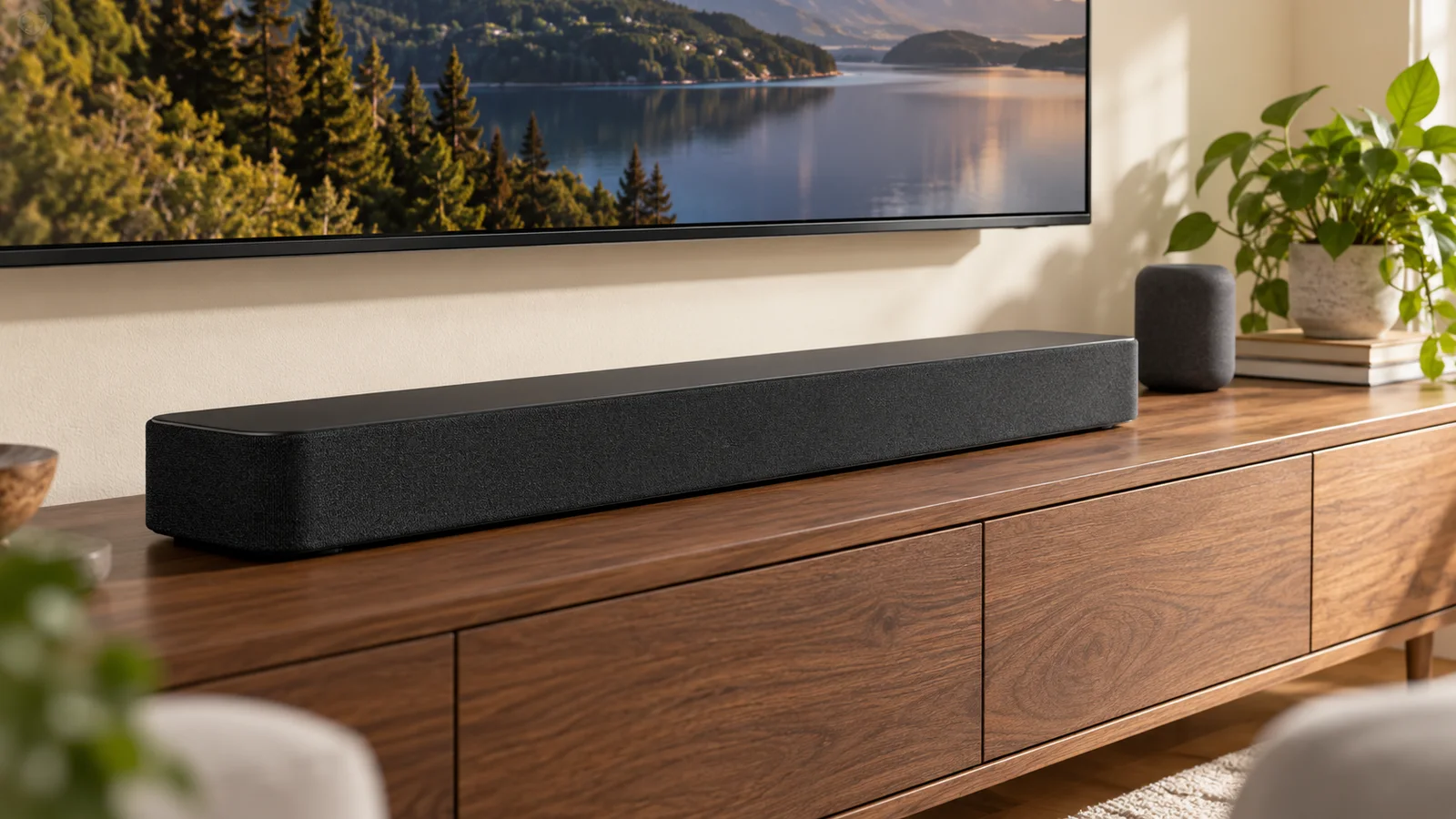
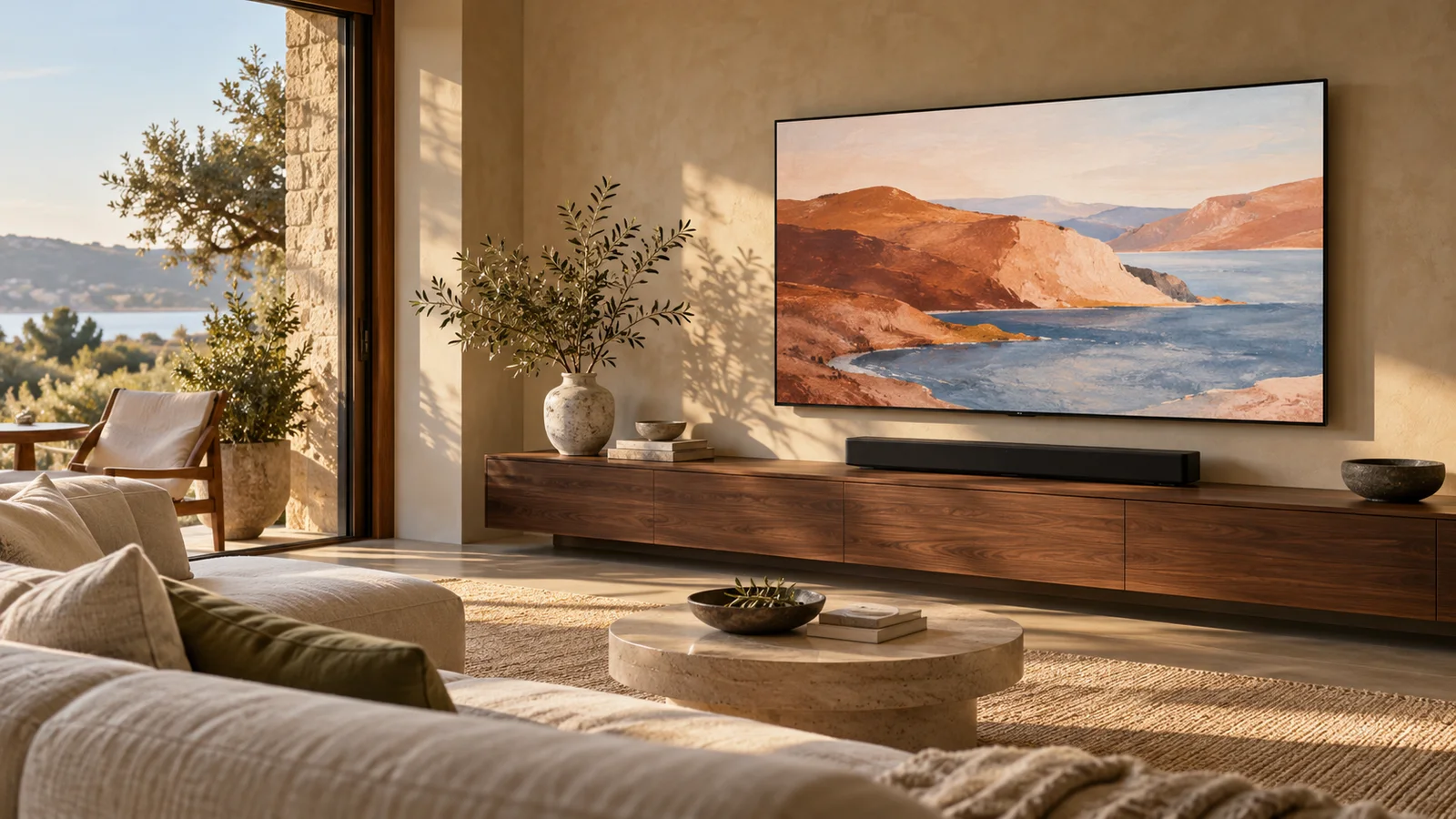
Mark a rectangle with removable painter’s tape where the picture would sit. Sit in your usual spot, then move to the end seats people actually use. Include a soundbar, cabinet doors, artwork, and the space required by an extending mount. A taped outline is useful because it makes the choice physical rather than abstract.
Your room’s viewing distance is one input, not a verdict. Sony publishes a 4K viewing-distance reference based on picture height, while personal preference and the content you watch still matter. A screen that feels engaging for a film may feel overwhelming for a news ticker or a fast game. Use manufacturer guidance as a reference and check your own comfort.
Budget for the whole setup
The price difference between two sizes can be only part of the upgrade. A larger set may need a different mount, a second person to handle it, a different cable plan, or a revised furniture layout. Ask for the model’s actual width, height, weight without its stand, and mounting pattern before buying accessories.
- Check the manufacturer’s dimensions, not just the screen-size class.
- Measure the clear wall area and the route through doors and stairs.
- Confirm mounting compatibility, ventilation, and access to sockets.
- Use our TV sizing tool to compare picture dimensions, then verify the product drawing.
Make the final decision in context
Choose the smaller size if it gives you the room layout you prefer, meets your viewing needs, and leaves your budget intact. Choose the larger size if the wall, seating, handling plan, and installation budget support it. Neither number wins in every home. The best choice is the one you can place well and enjoy every day.
A couple of useful answers.
Is a 75-inch TV ten inches wider than a 65-inch TV?
No. For a 16:9 picture, the difference in picture width is about 8.7 inches. Check the actual model dimensions for bezel and cabinet size.
Does screen size tell me which mount to buy?
No. Match the mount to the exact TV’s weight, mounting-hole pattern, wall construction, and manufacturer instructions.
Sources & further reading
Source material checked October 16, 2026. Manufacturer specifications and retailer terms can change.
Sony: recommended TV viewing distance ↗Samsung: considerations before wall mounting ↗Research-based guidance. How we publish and review our work