Look at the back of the TV before shopping
Write down the television’s model number and identify the ports labeled ARC or eARC. Then check the soundbar’s setup guide. A product may accept several types of audio connection, but the feature set can change with the connection and with the television’s capabilities.
For example, Sonos’s Arc setup guide directs owners to the TV’s HDMI-ARC connection for Atmos playback and explains that HDMI-CEC is needed for supported voice-control functions. The precise audio format received still depends on the source, the TV, and settings. Avoid assuming that every HDMI socket or every streaming subscription produces the same result.
Plan a position that works with the screen
A soundbar should have a deliberate place in the room before the television is mounted. Check the manufacturer’s clearance recommendations, especially for products with upward- or side-firing speakers. A cabinet shelf or deep recess may change the placement options.
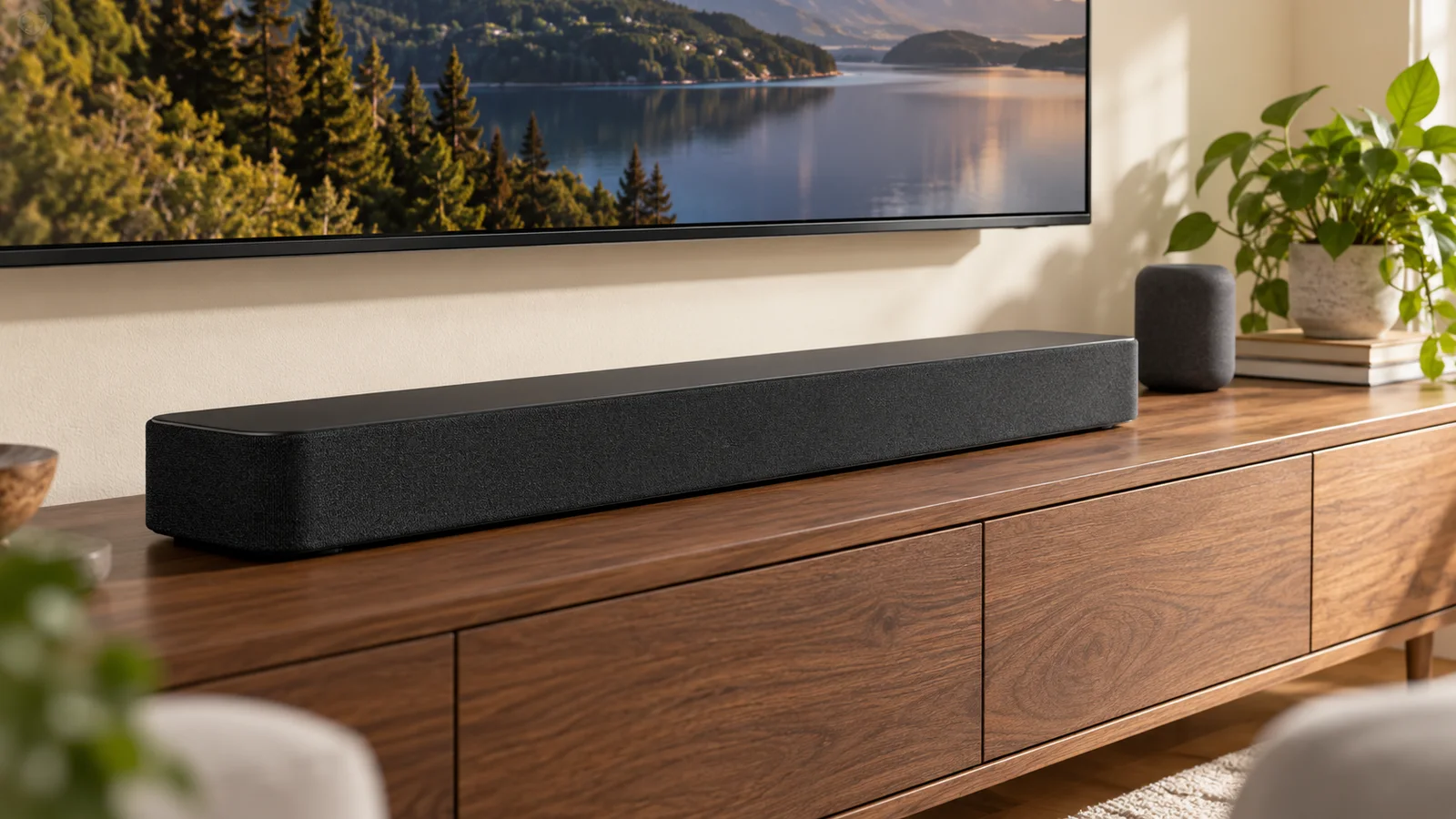
Make sure the bar does not cover the bottom of the picture, the TV’s sensor, or a ventilation opening. If it will move with an articulating television, plan the cable slack and compatible mounting hardware. If it stays on the furniture, check how the two positions relate when the TV is extended.
Test your actual viewing routine
A successful setup includes more than a demo clip. Try the built-in TV apps, your streaming device, your game console, and any other regularly used source. Confirm that the normal remote controls volume and that the picture and sound stay in sync.
- Keep model numbers and manufacturer setup guides available.
- Check which connection supports the features you want.
- Allow clearance around the soundbar as its manual specifies.
- Test dialogue, volume control, and the sources you use every day.
Choose the upgrade that solves your problem
If your main complaint is hard-to-follow dialogue, make dialogue the first test. If you want a larger movie experience, consider whether the room can accommodate a subwoofer and additional speakers. Buy for the listening problem you have, then arrange installation around that choice. A more expensive box does not remove the need for a well-planned connection.
Sources & further reading
Source material checked October 16, 2026. Manufacturer specifications and retailer terms can change.
Sonos: Arc setup and TV connection requirements ↗Sonos: troubleshooting missing home theater audio ↗Research-based guidance. How we publish and review our work