1. Start with the seats, not the ceiling
A living room can host a film, homework and conversation in the same evening. One bright ceiling light rarely gives each activity its own setting. Our planning approach is to map the people and their tasks first, then decide which light belongs where. A simple sketch and a few notes make each change easier to compare.
Sketch the screen, windows, doors and regular seats. With the television off, note bright reflections from each seat during daylight and after dark. Then play familiar material and repeat with one lamp at a time. A reflection visible from the sofa corner may be absent from the center. Keep that difference in your plan.
2. Give three kinds of light separate jobs
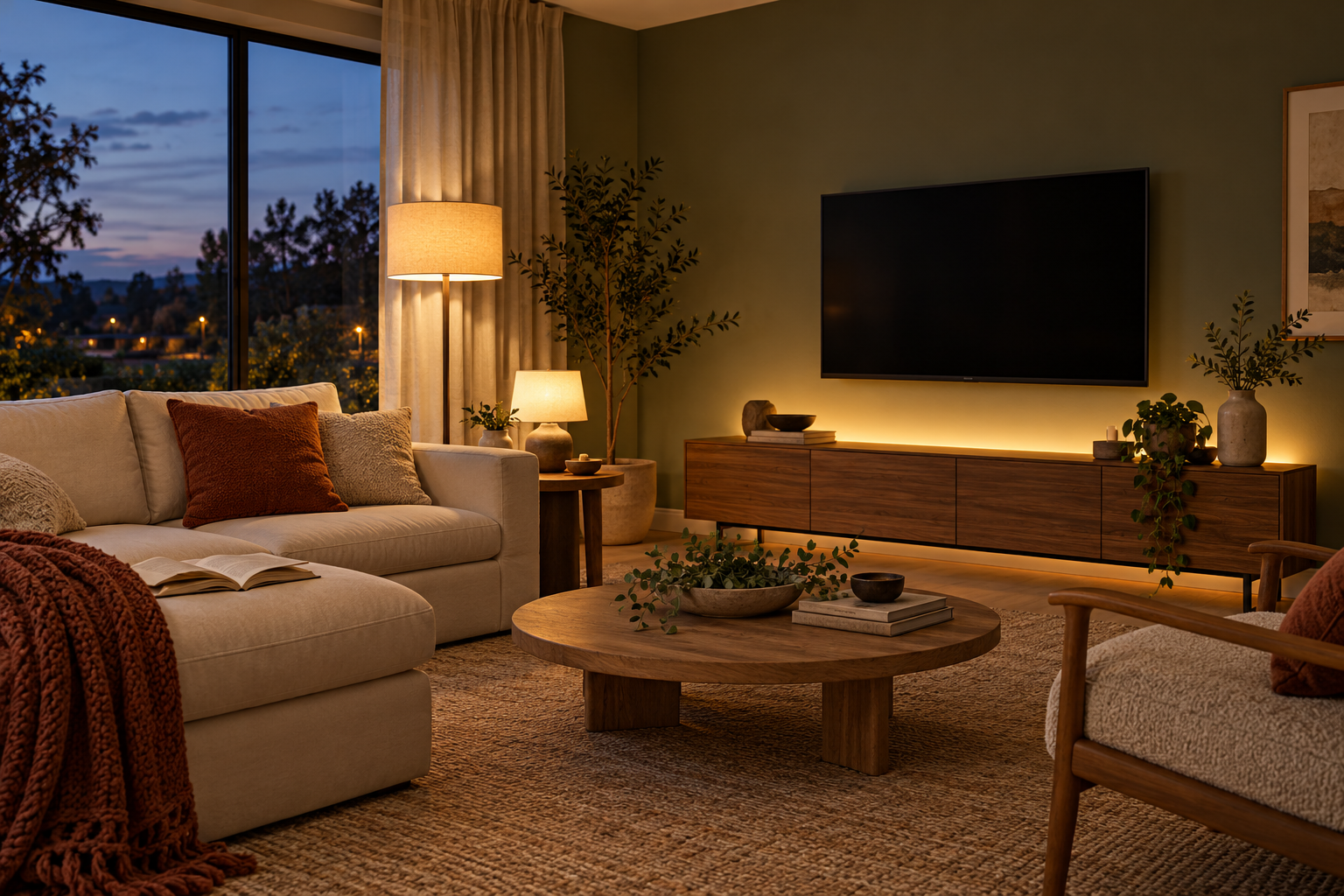
Use ambient light for the room as a whole, task light for a specific activity such as reading, and accent light to draw attention to a wall, shelf or artwork. These are useful planning categories rather than instructions to install three new products. Existing lamps may already cover two of the jobs.
Try a shaded reading lamp beside the reader and aim it toward the page. Try indirect light on a wall or ceiling for a gentler background. Check both from every viewing seat: a bulb hidden behind its shade from one angle may be exposed from another. Keep walkways usable and avoid cords across routes through the room.
3. Fill in this lighting-position worksheet
Copy the table into your room notes. For each trial, record the seat, time, light position and result. Move portable lamps only where cords and furniture allow safe placement. These are starting experiments; there is no universal lamp-to-TV distance that solves every room.
| What you notice | First position or control to try | Keep the change only if… |
|---|---|---|
| Window visible in the screen | Adjust the existing shade, then reassess the seating or proposed TV wall. | The relevant seats improve at the time you actually watch. |
| Lamp appears in the picture | Move the portable lamp sideways or change its aim and shade coverage. | The reflection improves without exposing the bulb from another seat. |
| One person reads while another watches | Put a shaded task lamp close to the reading position on separate control. | The page has useful light and the screen remains acceptable. |
| Room feels flat with ceiling lights off | Trial indirect light on a side wall or shelving. | It adds useful background light without a distracting screen reflection. |
| Accent strip reveals bright dots | Reconsider its concealed position or use the product’s specified diffuser. | The light source is concealed from the seats and mounting follows its instructions. |
4. Read the bulb label before choosing its brightness
DOE buyer guidance distinguishes lumens, the amount of visible light emitted, from watts, the power input. Compare lumens when comparing output; a familiar watt-equivalent label is not a complete lighting plan. The shade, beam and room surfaces still affect where that light goes.
Also check the light’s color appearance. DOE describes 2,700 K as warm and 3,000 K as soft. Use these as samples to compare with your paint, upholstery and existing lamps. Brightness and color are different choices. A dim-to-warm bulb changes color as it dims; a white-tunable product lets you select different white appearances. Check which behavior you are buying.
5. Match the control to the light
A dimmable LED label alone does not establish compatibility with your existing dimmer. Lutron identifies bulb–dimmer compatibility as central to dimming performance and provides tested pairings. Record both exact model numbers before buying a roomful of bulbs. Check fixture suitability too: DOE advises verifying that an LED is permitted in an enclosed fixture when applicable.
| Your plan | What to verify |
|---|---|
| Ordinary LEDs on a wall dimmer | Dimmable bulb, exact tested pairing, supported load and fixture requirements. |
| Smart bulbs controlled through an app | Required power state, supported controls, network or bridge requirements and power-restoration behavior. |
| Physical smart-light remote | Supported lights, bridge requirements, range and the controls available without a phone. |
6. Make smart control easy for everyone
Decide whether you want individual smart bulbs or control of a group of conventional lights. Signify explains that a traditional switch cutting power disconnects smart bulbs. Plan how household members will operate them before choosing the system. Do not assume a conventional dimmer and a smart bulb are intended to work together.
A physical remote can make a useful scene accessible without opening an app. Hue’s battery-powered Dimmer Switch is one example; customization requires a Hue Bridge. Check the current regional documentation for the exact device. Changes to fixed wiring or wall controls belong with a qualified electrician, using the applicable product instructions.
7. Save three scenes, then finish the room
Create settings for watching, reading and everyday movement. Choose the levels in your actual room rather than copying another household’s percentages. Recheck the watching scene with daylight controlled and with subtitles or a dark scene on screen. If screen-synchronized color lighting appeals, treat it as an optional effect with a readily available steady-light alternative.
Finally, check the TV manual for any ambient-light adjustments. Sony documents such controls for specified BRAVIA models and notes that availability depends on model and settings. Compare the result yourself; a menu setting does not reposition a reflected lamp. Keep your completed worksheet and exact product list together before ordering the final fixtures.
A couple of useful answers.
Where should lamps go in a living room with a TV?
Start beside the task or surface you want to light, then check the screen from every regular seat. Move or re-aim portable lamps if they appear as bright reflections. The useful position depends on your room, shade and seating.
Will any dimmable LED work with my existing dimmer?
No universal pairing is established by the word dimmable. Check the exact bulb and dimmer model against manufacturer guidance and tested compatibility information.
Do I need smart bulbs for separate reading and TV lighting?
No. Separately operated ordinary lamps can provide distinct settings. Smart control adds scenes and remote operation, with product-specific compatibility and power requirements.
Sources & further reading
Source material checked October 18, 2026. Manufacturer specifications and retailer terms can change.
DOE: bulb output, color appearance, enclosed fixtures and dimming compatibility ↗DOE: dim-to-warm, white-tunable and full-color LED categories ↗Lutron: LED ghosting, blinking and bulb–dimmer compatibility ↗Signify: smart-bulb power and control architecture; regional product availability ↗Philips Hue: battery-powered Dimmer Switch and Bridge customization requirements ↗Sony: model-specific ambient-light and reflection adjustments ↗Research-based guidance. How we publish and review our work